How to build a product development project template
Updated October 2026.
A project template turns your development process into a reusable plan. Each new project starts with the right tasks, the right people and the right deliverables, instead of a blank schedule. Here is how to build one.
1. Start from one type of project
Do not build a universal template. Start with your most frequent project, for example a branded product or a private label product, then create the others from it: renovation, line extension, new raw material referencing.
2. Define the stages and the gates
Group the tasks into stages (brief, feasibility, trials, validation, launch) and end each stage with a gate: who decides, on which deliverables, with which possible outcomes (continue, stop, rework).
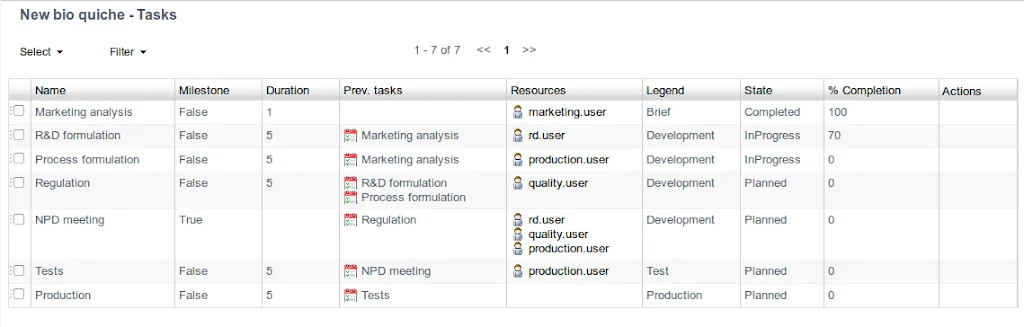
3. List the tasks, with a role, a duration and dependencies
- Assign each task to a role (formulator, quality manager, buyer), not to a person: the project manager assigns the people when the project starts.
- Give a standard duration and a working calendar.
- Set the dependencies, and let independent tasks run in parallel.
4. Attach a deliverable to each task
A task is finished when its deliverable exists: a formula, a specification, a validated label, a test report, a supplier certificate. Without a deliverable, a task can be marked done without anything to show for it.
5. Add the brief and the evaluation grid
The brief collects the information needed to start: target, markets, claims, target cost, launch date. Some questions depend on previous answers. The evaluation grid scores the project at each gate.
6. Plan notifications and reminders
Decide who is notified when a task starts, who validates, and when a late task triggers a reminder. Good notifications replace most follow-up emails and meetings.
7. Measure and improve
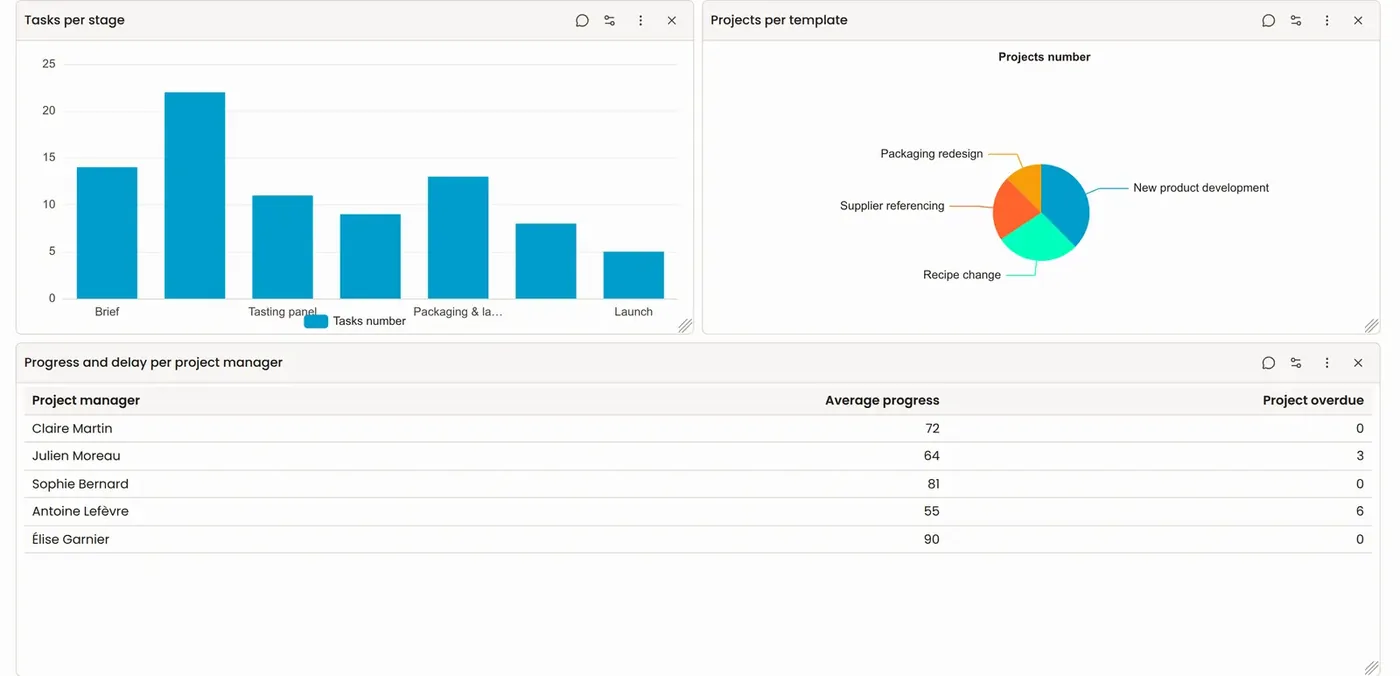
After a few projects, compare the planned and actual durations of each stage. Adjust the durations, remove the tasks nobody uses, and add those that are always created by hand.
In beCPG
Project templates include stages, gates, tasks with roles and durations, deliverables, a brief form with conditional questions and an evaluation grid. Projects are scheduled in a Gantt view, in planning or retro-planning mode, and actors are notified by workflow. Discover project management in beCPG PLM.