IT & computingFood & Agro-industriesCosmetics & HPC
PLM vs ERP: who owns which product data?
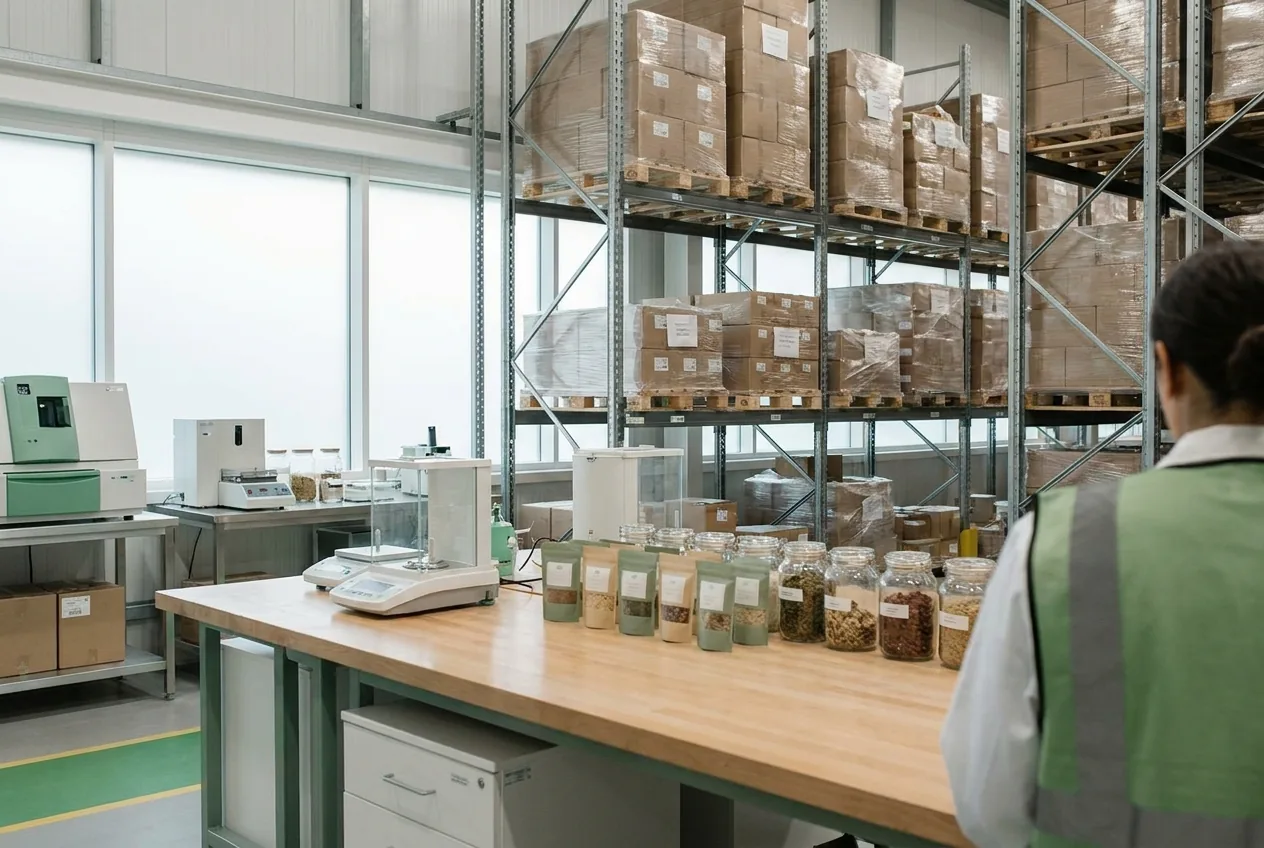
PLM supports product design and development, while ERP handles day-to-day operations such as purchasing, production and inventory. The two systems need to exchange data to avoid retyping and inconsistencies.
Two systems for two stages of a product’s life
A food or cosmetic product exists long before its first production run. For weeks, R&D formulates trials, quality checks compliance, and marketing approves the label and packaging. That definition work belongs to PLM (product lifecycle management): formulas, specifications, regulatory data, labeling, packaging, versions and projects.
ERP handles the operational side of the product: purchasing, manufacturing, inventory and sales. It manages approved vendors, purchase prices, production orders, lots, inventory and sales orders. ERP knows actual costs; PLM knows the theoretical cost of the recipe.
Which system owns which data?
To avoid inconsistencies, decide which system is the reference for each piece of data. This split can vary with your organization and the tools you already use.
| Data | System of record | When it flows |
|---|---|---|
| Recipe or formula, trials | PLM | On version approval, to ERP |
| Manufacturing and packaging BOM | PLM | On approval, to ERP |
| Specifications, allergens, nutrition | PLM | To spec sheets, ERP and GS1 catalogs |
| Label content, ingredient statement or INCI list | PLM | To artwork and catalogs |
| Raw material regulatory data | PLM | Used by quality, rarely by ERP |
| Item number | ERP or PLM, your choice | On item creation, both ways |
| Purchase prices and actual costs | ERP | Periodically, to PLM for costing |
| Inventory, lots, production orders | ERP | Not sent back, except for a quality investigation |
| Sales orders and sales | ERP | To business intelligence |
Three common integration patterns
Releasing the approved recipe
When a recipe or BOM version is approved in PLM, it is released to ERP. Trials and working versions stay in PLM. The plant only receives what has been approved.
Creating the item
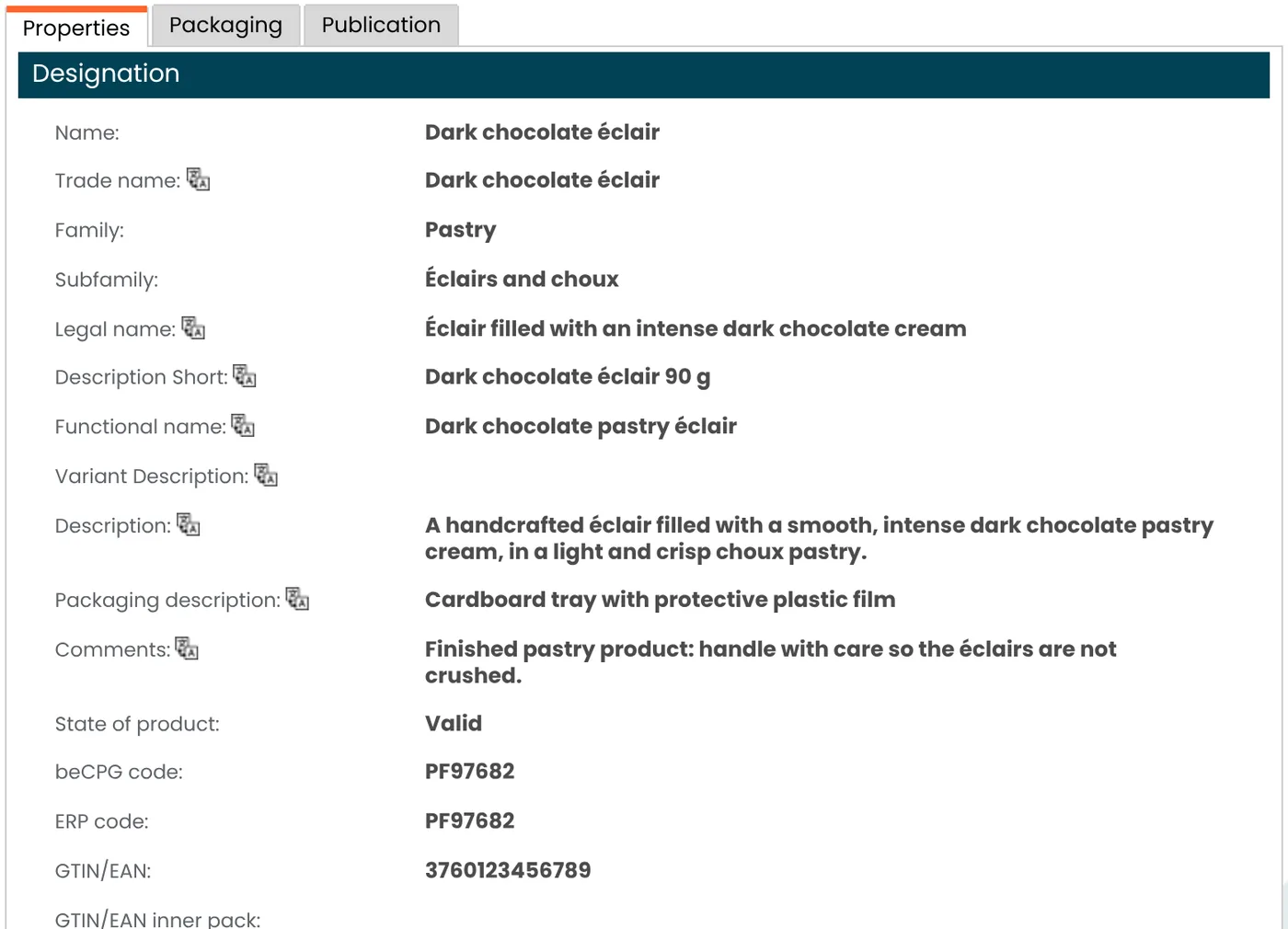
A new product must exist in ERP before the first purchase or sales order. Either PLM creates the item and ERP assigns its number, or ERP creates the number and PLM picks it up. Define which system creates item codes, and keep a reliable cross-reference between the two.
Feeding costs back
PLM calculates a recipe’s theoretical cost. To be accurate, it needs the actual purchase prices of ingredients and packaging, which live in ERP. That flow runs periodically, from ERP to PLM.
Common pitfalls
- Double entry: the recipe is retyped into ERP, with quantity or unit errors.
- A spreadsheet in the middle: an Excel export edited by hand that nobody fully controls.
- Uncontrolled changes: a BOM fixed directly in ERP that no longer matches the recipe or the label.
- Two masters for the same data: allergens or weights entered in both systems, with no single source of truth.
When PLM is the system of record for recipes, changes should be approved there before they are sent to ERP.
A checklist before you connect
Before you build any interface, answer five questions with R&D, quality, purchasing and IT:
- Which system owns each piece of data in the table above?
- Which event triggers the release: approval, status change, date?
- Who creates the item number, and where is the cross-reference kept?
- How do you see that a transfer failed, and who fixes it?
- How often should costs flow back?
What beCPG provides
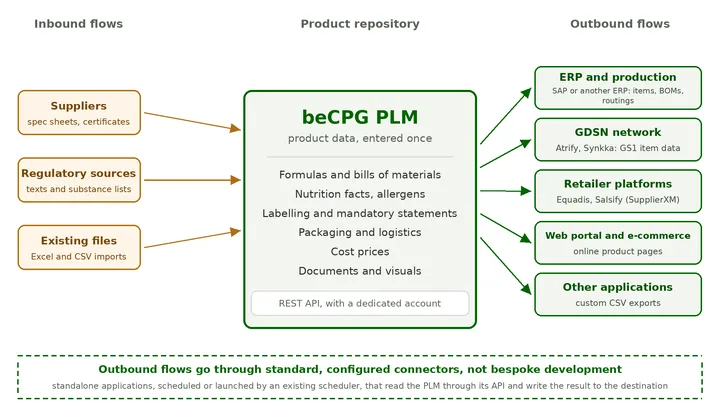
beCPG is the system of record for product data: as soon as a product is approved, changed or archived, the change is made available to your ERP, directly or through your ESB or ETL. Its REST API imports and exports any entity in JSON and supports two-way synchronization: an approved record goes out, costs come back. The SAP connector sends materials, bills of materials and routings to SAP S/4HANA, in OData or IDoc. A configurable CSV connector feeds other ERPs.
Each connector is attached to a publication channel, which selects the products to send and logs successes and failures on the product record. Exchanges run over HTTPS and apply the calling user’s permissions. Read more in PLM data exchange with ERP and other systems and on our PLM platform page. To discuss your own setup, get in touch.
Frequently asked questions
Can ERP replace PLM?
ERP stores a bill of materials, but it does not calculate labeling, allergens or compliance from the recipe, and it does not manage trials. For food and cosmetics, those calculations remain the job of PLM.
Should trials be sent to ERP?
No. Only the approved version goes to ERP. Trials stay in PLM, where they are compared before approval.
Which system should create the item number?
Both patterns work. What matters is choosing one creator and keeping the cross-reference between the PLM code and the ERP code, so each item stays unique.
How does PLM get actual costs?
Through a return flow from ERP: purchase prices of ingredients and packaging are sent back periodically, and PLM recalculates recipe costs.
Do you need a service bus to connect PLM and ERP?
Not necessarily. An API or a connector is often enough. If your IT landscape already has an ESB or an ETL tool, the PLM fits into it.