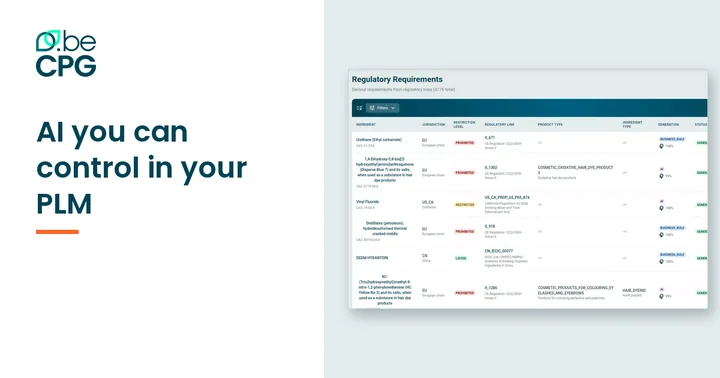
Your team’s AI assistant can now work with your product data
Your teams already use an AI assistant. It writes their emails, summarizes their documents, and knows nothing about your products.
With beCPG 26.1, it can.
Three situations where it changes the day
The customer specification that arrives by email. Your regulatory manager asks their assistant to compare it with the formulation in the PLM. The differences come back for review, without a line-by-line read.
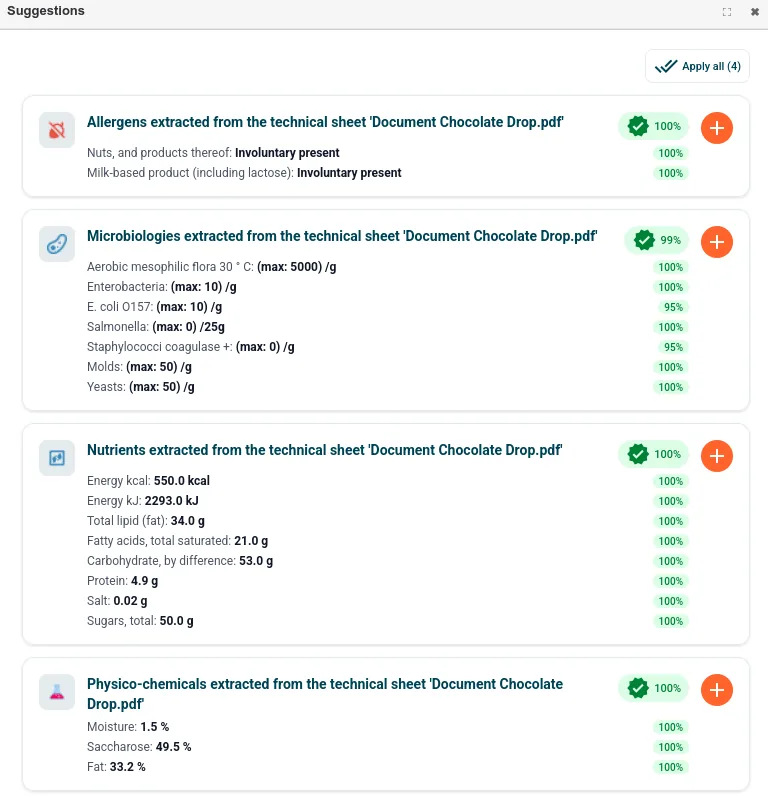
The supplier data sheet nobody wants to retype. The assistant reads the PDF and prepares the raw material in beCPG. Your team checks and approves.
The question asked between two meetings. “What is the cost breakdown of the three trials on project X?” Answered without opening the application.
What the assistant is allowed to do
It works with the permissions of the person who connected it — it sees what they see, and nothing else.
It can find products, raw materials, packaging and documents; read compositions, specifications and technical data sheets; prepare new entities; and ask a regulatory question backed by the actual regulation.
Anything that creates or changes product data goes through a suggestion, applied according to the policy set for your instance.
And it does not do the regulatory math. Nutritional values, labeling and CLP classification stay with the beCPG engines, so your numbers remain reproducible — which is what matters the day someone audits them. See how beCPG governs its AI.
An open standard rather than one more interface
Letting your team’s assistant work with your data means accepting that part of the work happens outside the PLM interface. For an open source PLM like beCPG, that is the logical next step.
The connection uses MCP (Model Context Protocol), the open standard that links AI assistants to business software.
Getting started
beCPG enables the MCP server of your instance. Your IT team adds its address to the assistant; each user then signs in with their own beCPG account (OAuth). Configurations are provided for Claude, Gemini, Cursor and Visual Studio Code.
Want to try it with your own assistant? We connect it live during the demo.
Book a 30-minute demo · Download the brochure
beCPG is the open source PLM for food, beverage and cosmetics, used by more than 100 manufacturers.
Frequently asked questions
Which assistants can connect to beCPG?
Configurations are provided for Claude, Gemini, Cursor and Visual Studio Code. For another MCP-compatible assistant or an agent your IT team builds, we check compatibility with you.
Can the assistant change product data on its own?
No. It works with the permissions of the connected user and any change goes through a suggestion, applied according to the policy set for your instance.
How does the setup work?
beCPG enables the MCP server of your instance, your IT team adds its address to the assistant, then each user signs in with their own beCPG account (OAuth). The MCP server is part of the beCPG AI module.