Bulk edition
Bulk edition in properties
Bulk edition lets you mass-edit product properties. It can be accessed from search results.


You can edit:
- a field directly, by clicking on it;
- several lines at the same time, by selecting them and clicking "Bulk edit".

Bulk edition in lists
To bulk edit a list:
- Go to the chosen list.
- Select the lines to edit.
- Click "Bulk edit".
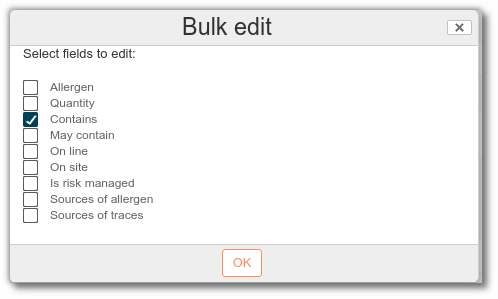
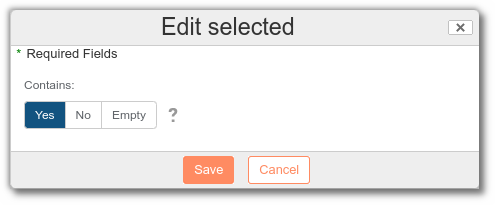
Select the field to mass edit. All the rows selected will take on the chosen value.
The bulk edit button only appears once rows have been selected.