Reports
beCPG lets you create and customize reports in multiple languages.
To create a report:
- Click "Reports".
- Click "Create reports". The refreshed page displays the report.
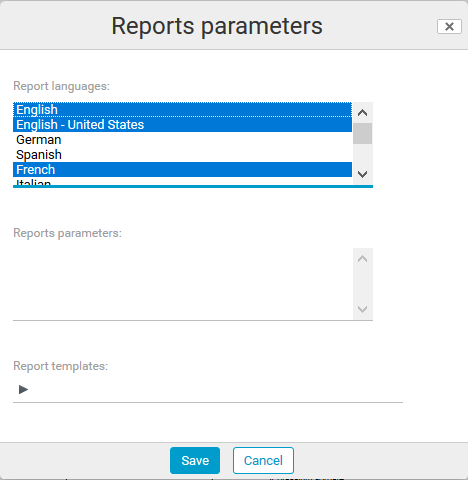
- Click "Parameters" to choose the language in which the report is displayed.
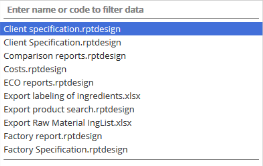
Select the report "Client specification".
The report appears.
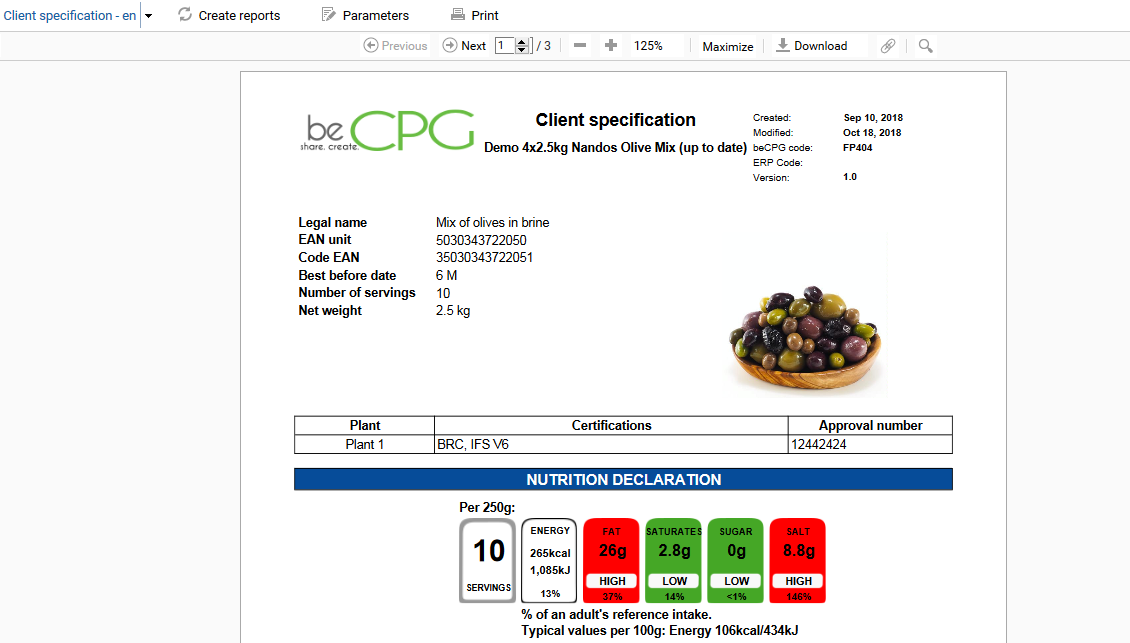
Note: once generated, reports are automatically updated as soon as the product is modified.
You can also hide certain fields on reports, such as the allergen list, and compare two entities using "ACTION" > "Compare with". This last action downloads a comparison report.