Creation of a product
To create a product, use the "Create Content" button available when displaying the contents of a folder. Before creating a product, go to the folder where you want the product to be stored.
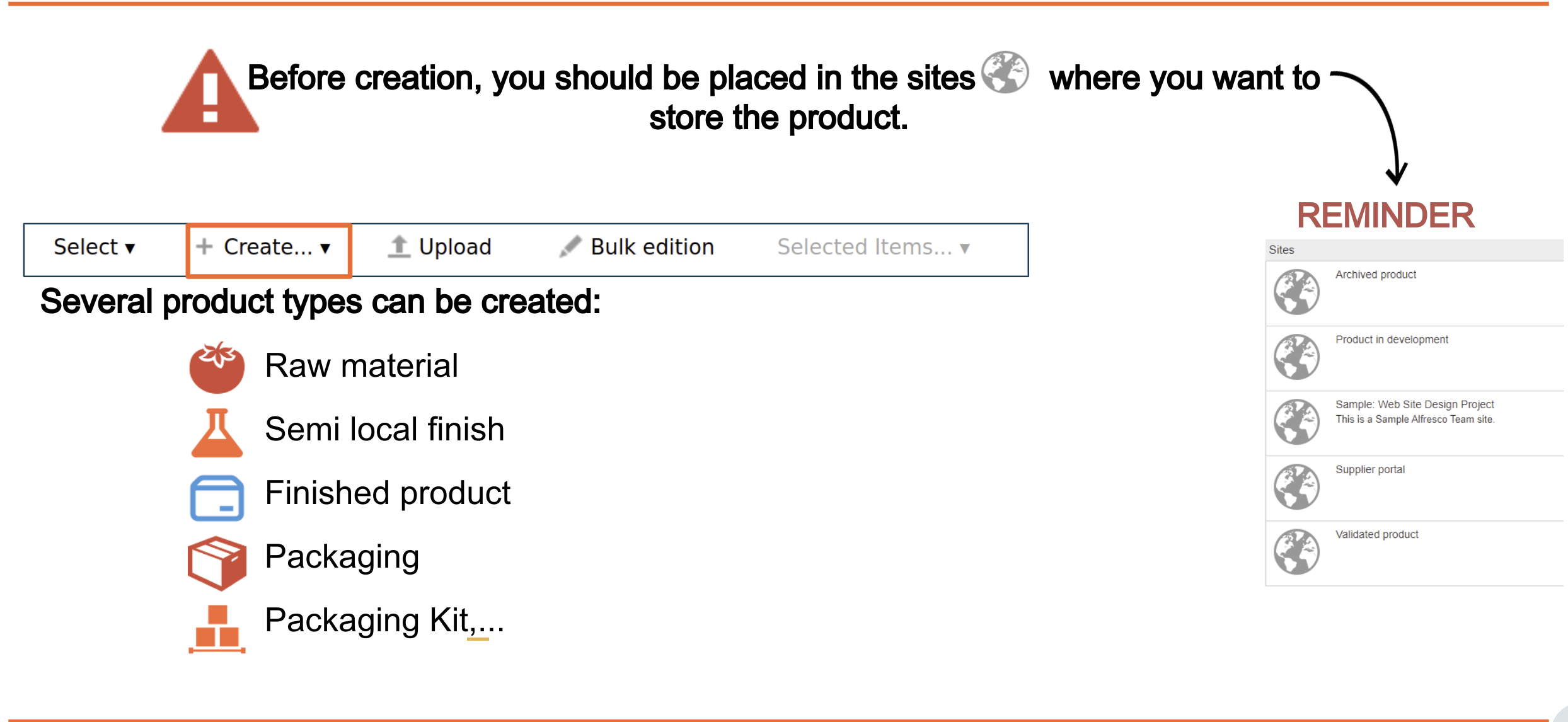
You can create several product types:
- Raw material: food purchased from a supplier (e.g. flour, meat).
- Semi-finished product: unsold product made of raw materials that have undergone an internal transformation within the company (e.g. quiche pastry or quiche filling, used in several finished products).
- Finished product: product sold, made of raw materials, semi-finished products and packaging (e.g. quiche).
- Packaging: packaging purchased from a supplier (e.g. film, tray).
- Packaging kit: packaging made of several packaging items (e.g. tray + film).
- Local semi-finished product: semi-finished product without its own components, used as a consolidation point in a finished product. For example, a quiche filling made only for one quiche. In this case, you do not need to create a semi-finished product that will only be used in this quiche. You use a local semi-finished product, and the raw materials are placed under it.
Versioning tool
Creating a new version of a product
You can create a new version of a product with the "New version" button, available from the product's details page.
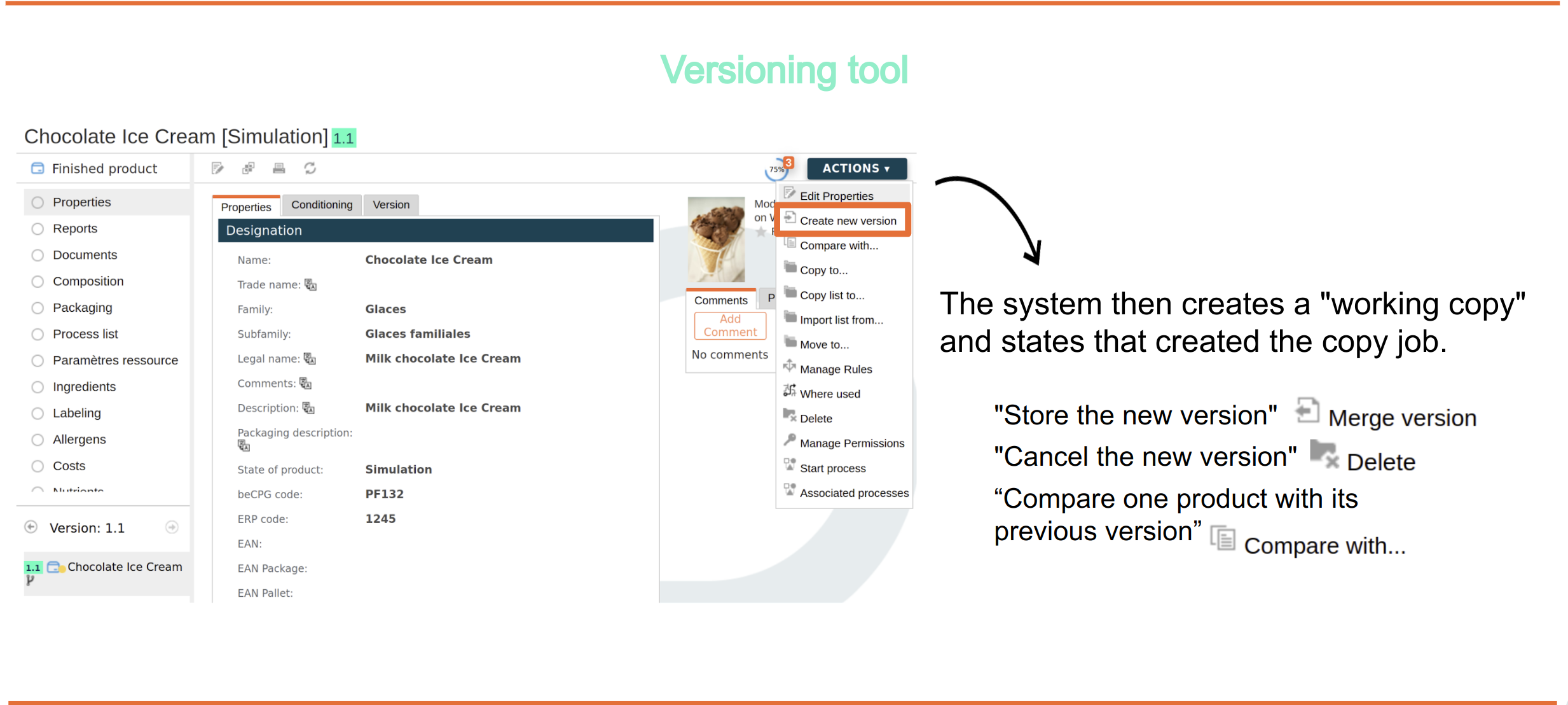
The system then creates a "working copy" and indicates who created the working copy.

The possible actions are:
- "Store the new version" to store the changes
- "Cancel the new version" to return to the original version
- "View the original document" to view the original version
Comparison of a product with its previous version
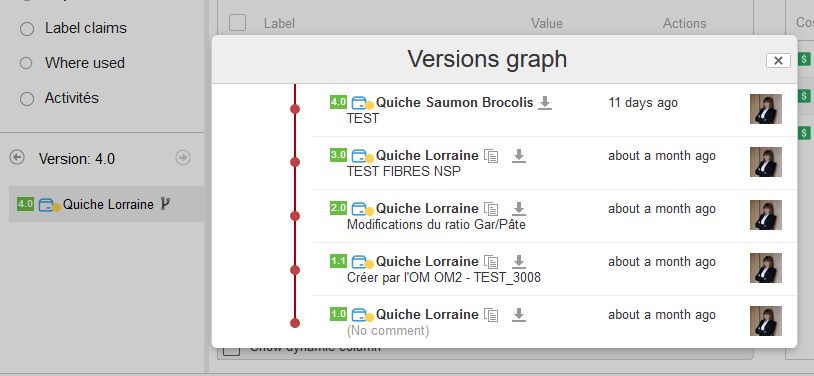
You can compare a product with its previous version with the "Compare" button of the version history, available in the product details.
The system then generates a document describing:
- the structural comparison of the product composition;
- the "flat" comparison of the product metadata and characteristics.