Search
The search option is available on the top right of the screen.
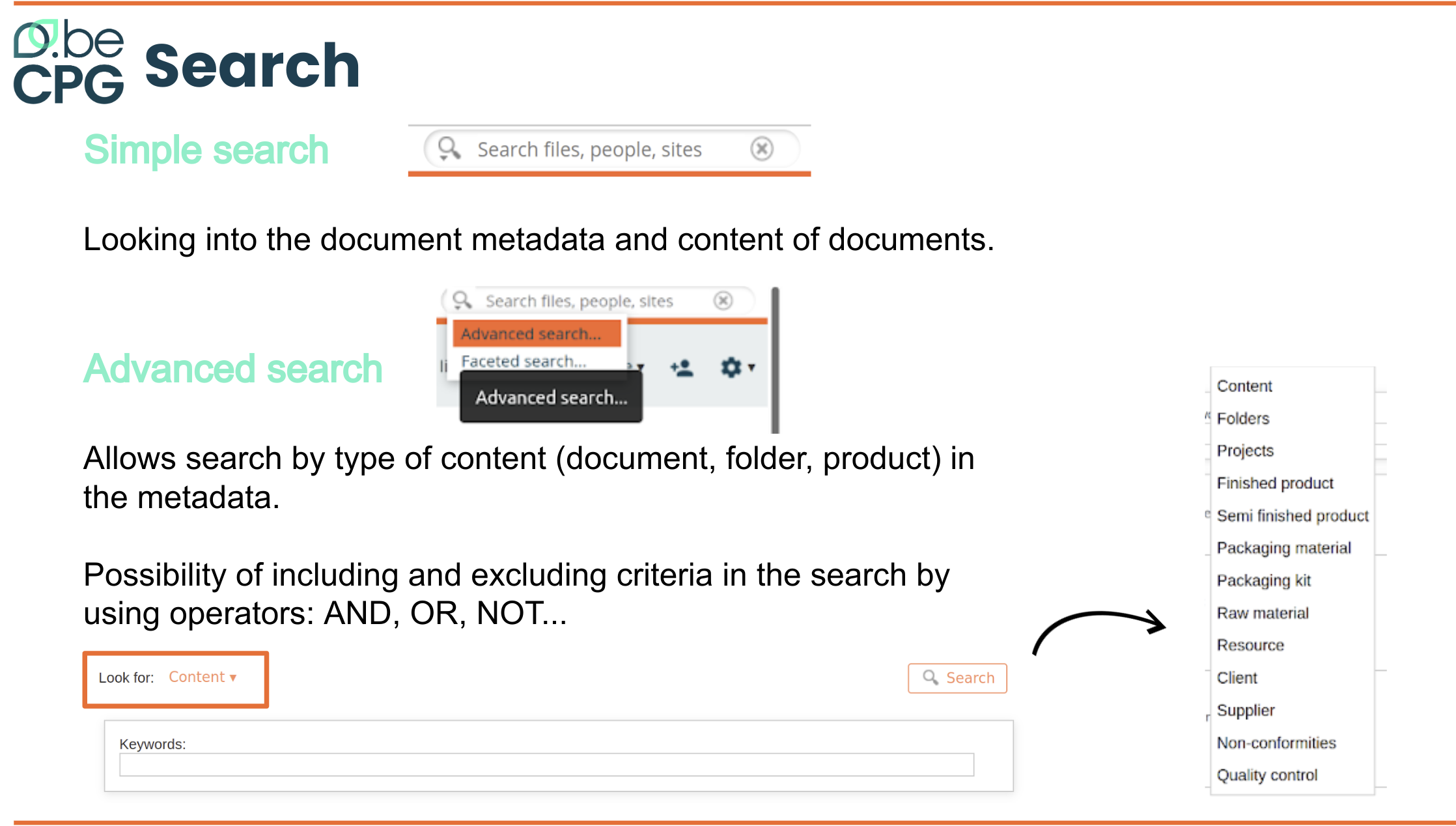
There are two types of searches:
- Simple search looks into the metadata and content of documents. It works like an internet search engine.
- Advanced search lets you search the metadata by type of content (document, folder, product), e.g. validated products whose name contains "flour".
You can include and exclude criteria in your search with the operators AND, OR, NOT. For example:
If you search for products whose name matches "AND sushi (tuna OR salmon OR bream)", you get:
- Tuna Sushi
- Salmon Sushi
- Sushi bream
- But the results do not include "Sushi" or "Cucumber Sushi"
If you search for products whose name matches "AND NOT bream sushi", you get:
- Tuna Sushi
- Salmon Sushi
- Sushi
- Cucumber Sushi
- But the results do not include "Sushi bream"
The following actions are possible on the results of a search:
- Sort by certain metadata (name, title, etc.)
- Export the results to an Excel document with the "Export results" button, depending on the rights of your profile
- Navigate to an element
- Refine the search with the "Switch to advanced search" button
Search on characteristics and components
- Search for all products that have an ingredient of a certain origin
(e.g. Spanish strawberries):
- Advanced search > Select the type "Product" > fill in the ingredient field and the origin field > Search
- Search for all products that have the ingredients ING1 and ING2:
- From the "Ingredients" list of a product > click the "Where Used" action of an ingredient > select the "Ingredient" where-used type > add ING2 to the elements > select the AND operator > Search
- From the where-used search > Select the type "Ingredient" > select ING1 and ING2 + AND operator > Search
- Search for all products with the raw materials RM1 and RM2:
- Advanced search > Select the type "Product" > enter the RM1 and RM2 codes > Search > Where used > select "Product - composition" + AND operator > Search